Skip to content

Invoicing for service businesses

Invoice faster. Work from Telegram.

Kirado is a simple invoicing workspace for freelancers and service businesses. Create an invoice in seconds, see who has paid, capture documents with OCR, and follow up on what is owed.

Limited evaluation access · Works in any currency · Plans from RM10/month

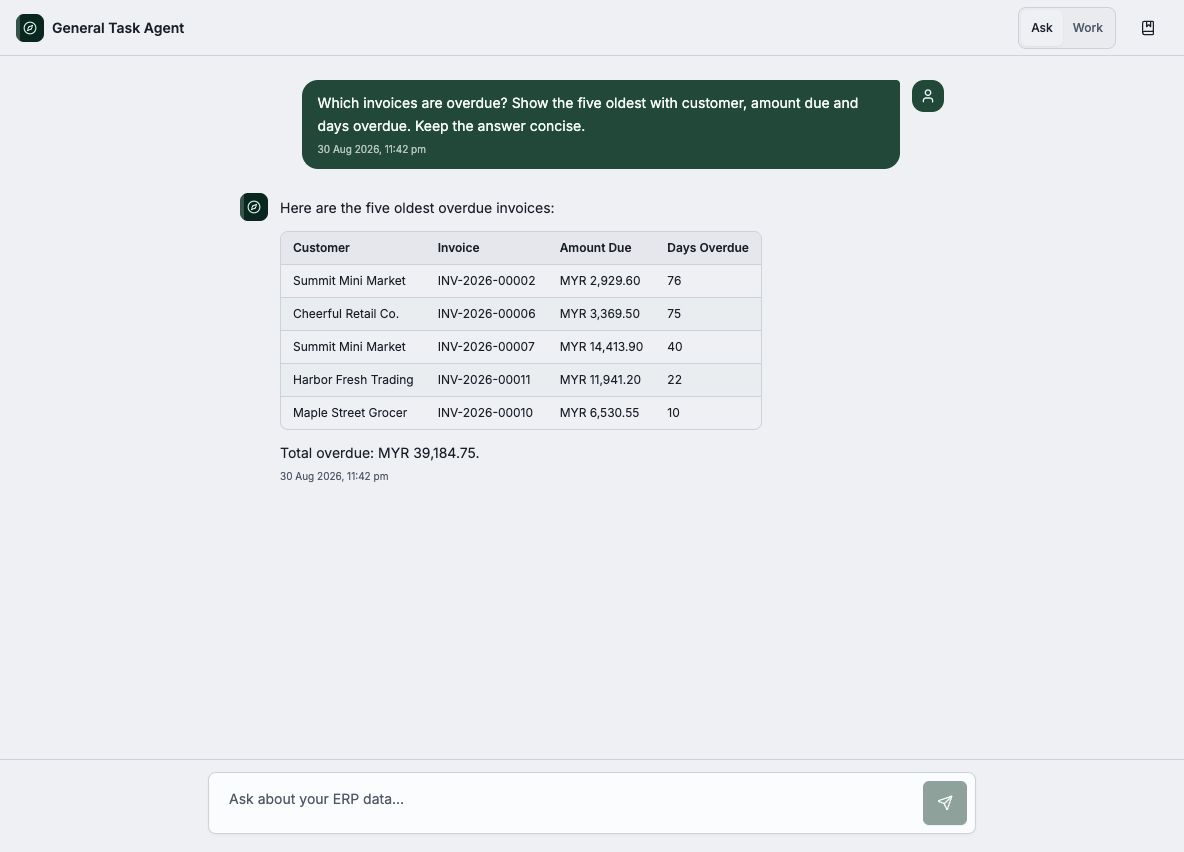
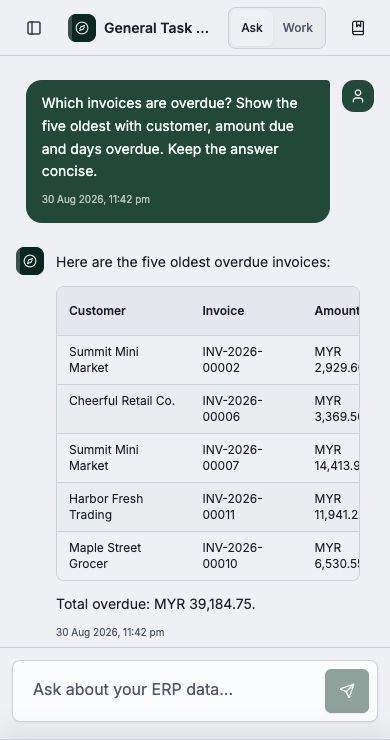
Illustration of a Kirado Telegram conversation.

Sound familiar?

Invoicing should not feel like a full business suite

You just want to bill a customer and get paid. But the tools made for that are either a messy pile of chats and paper, or software that is far more than you need.

Chasing payments by hand

Invoices live in WhatsApp, paper, and your head. You lose track of who has paid and who still owes you.

Too much software for one invoice

Most business suites are full of jargon and screens you will never touch, just to send one invoice.

Clunky on your phone

You run your business from your phone, but the old tools were built for an office PC you are rarely sitting at.

Pricey for what you need

Big suites charge big monthly fees — even when all you want today is to invoice a customer and get paid.

The simple way

Just tell Kirado who to invoice

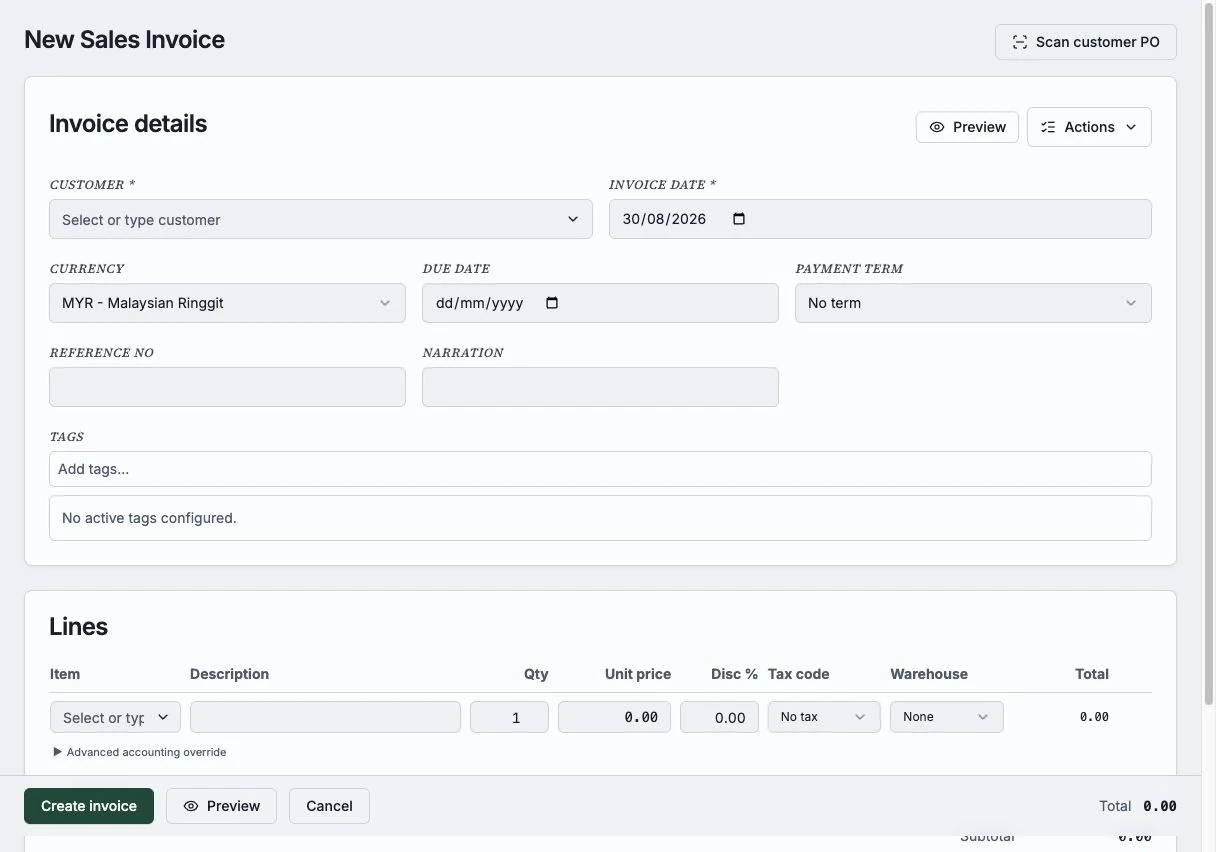
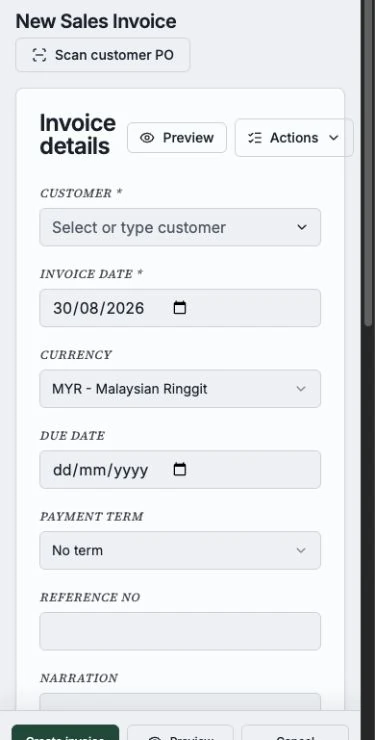
Type it in plain words on Telegram, or fill a quick form. Kirado writes a clean, professional invoice you can send in seconds.

  • No forms to wrestle — plain language in, a finished invoice out.
  • You stay in control — review every invoice before it is sent.
  • Stay on top of follow-ups — see what is unpaid and check the practical reports when you need them.
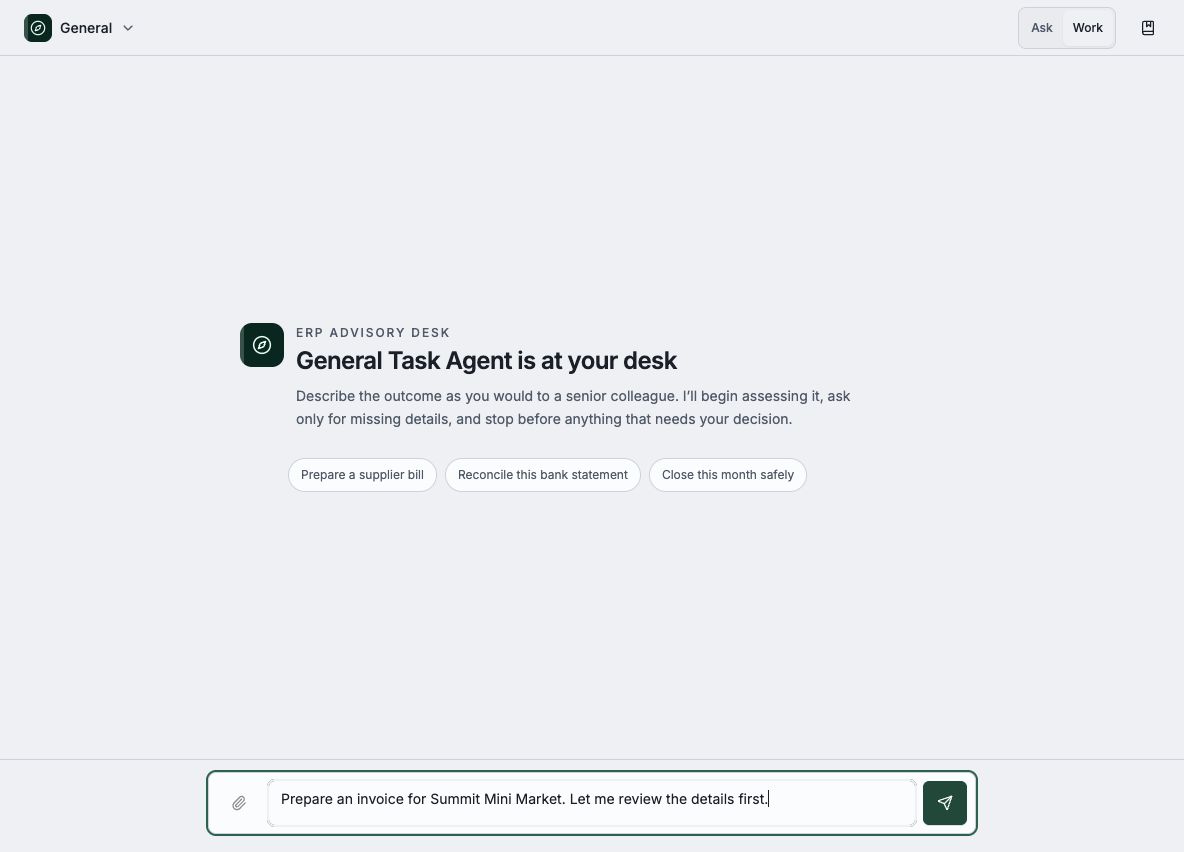
Kirado Telegram bot setup screen on desktop
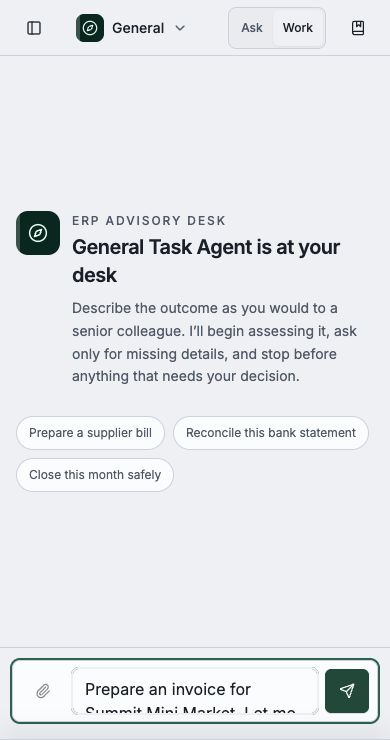
Kirado Telegram setup on a phone
Invoice straight from Telegram — the built-in bot or your own.

Why Kirado

Everything you need to invoice — nothing you don't

Simple invoicing tools for service businesses, with a Telegram assistant and OCR that do the typing for you.

Create an invoice in seconds

Type it in plain words on Telegram, or fill a quick form. Kirado turns it into a clean, professional invoice ready to send.

Know who owes you

See unpaid invoices at a glance and just ask "who hasn’t paid?" any time. Stay on top of cash without a spreadsheet.

Snap a bill, skip the typing

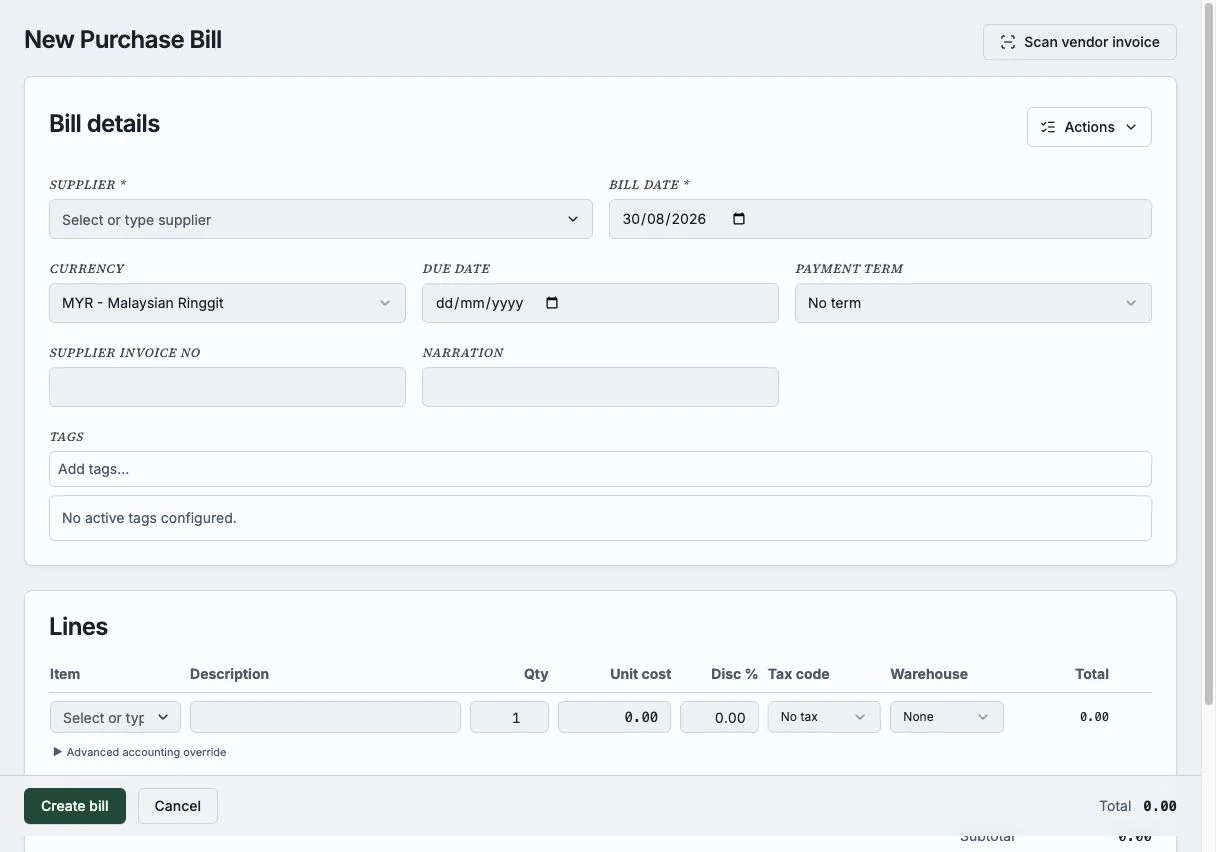
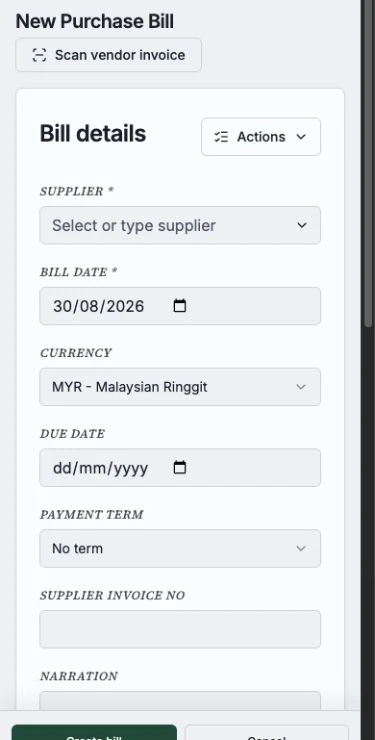
Photograph a supplier bill and Kirado drafts it for you. No manual data entry, no re-keying numbers by hand.

Works in any currency

Invoice customers at home or abroad. Kirado handles the currency and the exchange-rate maths for you.

Built for your phone

Everything works beautifully on mobile, so you can send an invoice the moment the job is done — from anywhere.

Simple reports, ready when you are

See invoices, payments, and outstanding amounts in clear reports that help you follow up and plan your next job.

How it works

From a message to an invoice

  1. 1

    Tell Kirado who to invoice

    In plain words on Telegram, or a quick form — "invoice Riverside Grocers for 50 bags of rice."

  2. 2

    It writes the invoice

    Kirado fills in the customer, items, amounts, and tax, and shows you a clean, ready-to-send draft.

  3. 3

    Review & send

    Looks good? Send it. Want a tweak? Edit first. You are always in control — nothing goes out until you say so.

  4. 4

    Get paid & track it

    See what is paid and what is still outstanding, and nudge the customers who owe you.

Room to grow

Start with invoices. Add useful tools as you need them.

Keep your invoicing workflow in one place, then use document capture, product tools, and practical reports when they help your day-to-day work.

Invoices & payments

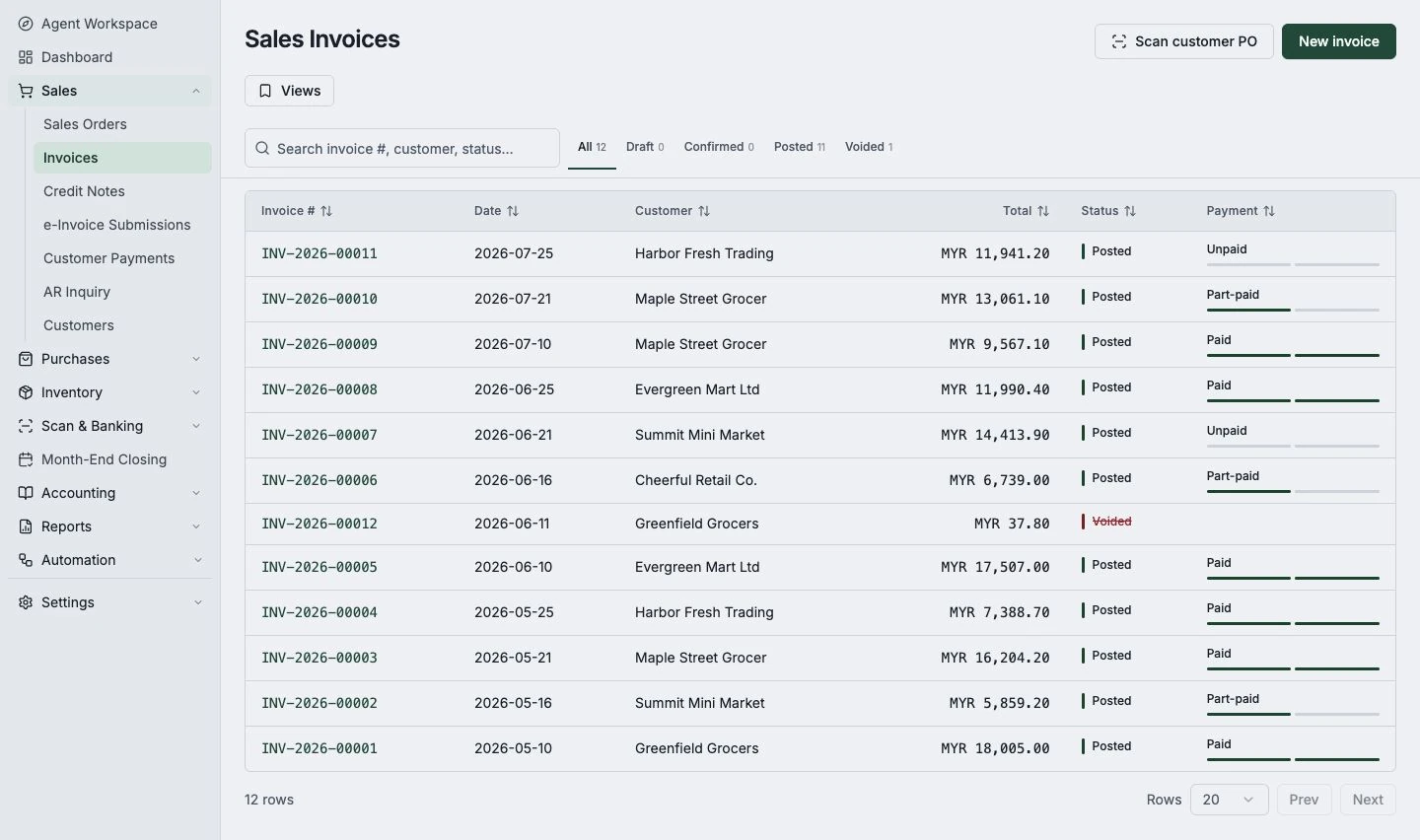
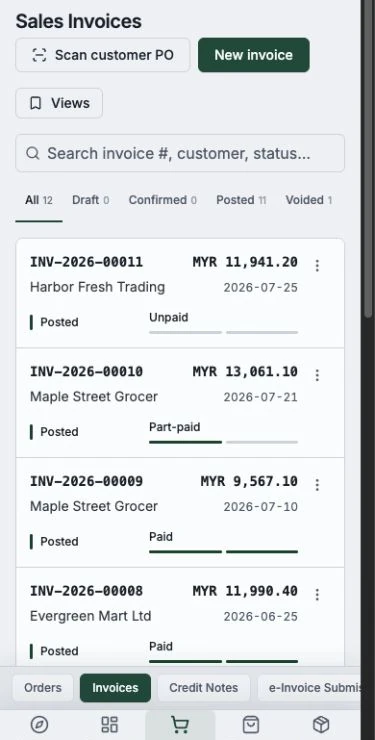
Send invoices, record payments, and see who still owes you. This is the heart of Kirado — simple enough to use on day one.

Kirado invoice list with payment statuses on desktop
Kirado invoice list on a phone

Your work at a glance

See your invoices, payments, and outstanding amounts in one simple view — ready without setup.

Kirado dashboard showing invoices and payment status on desktop
Kirado dashboard on a phone

Track your products

Selling physical goods? Keep tabs on stock and prices whenever you are ready for it — not before.

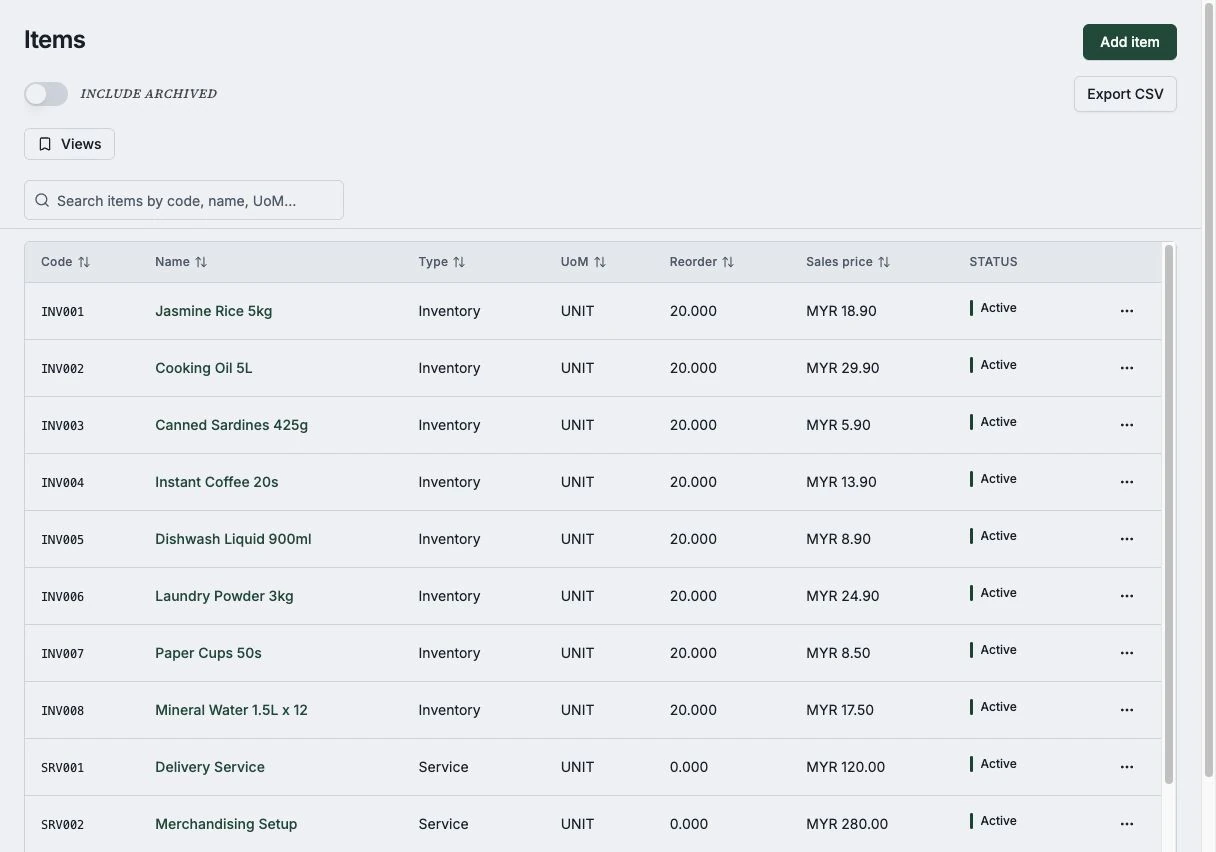
Kirado product and stock list on desktop
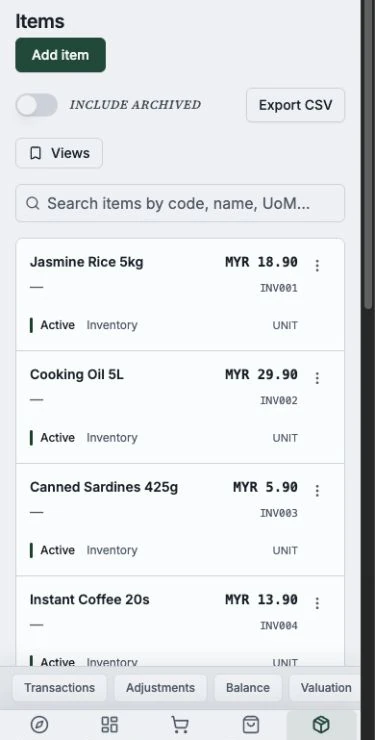
Kirado product list on a phone

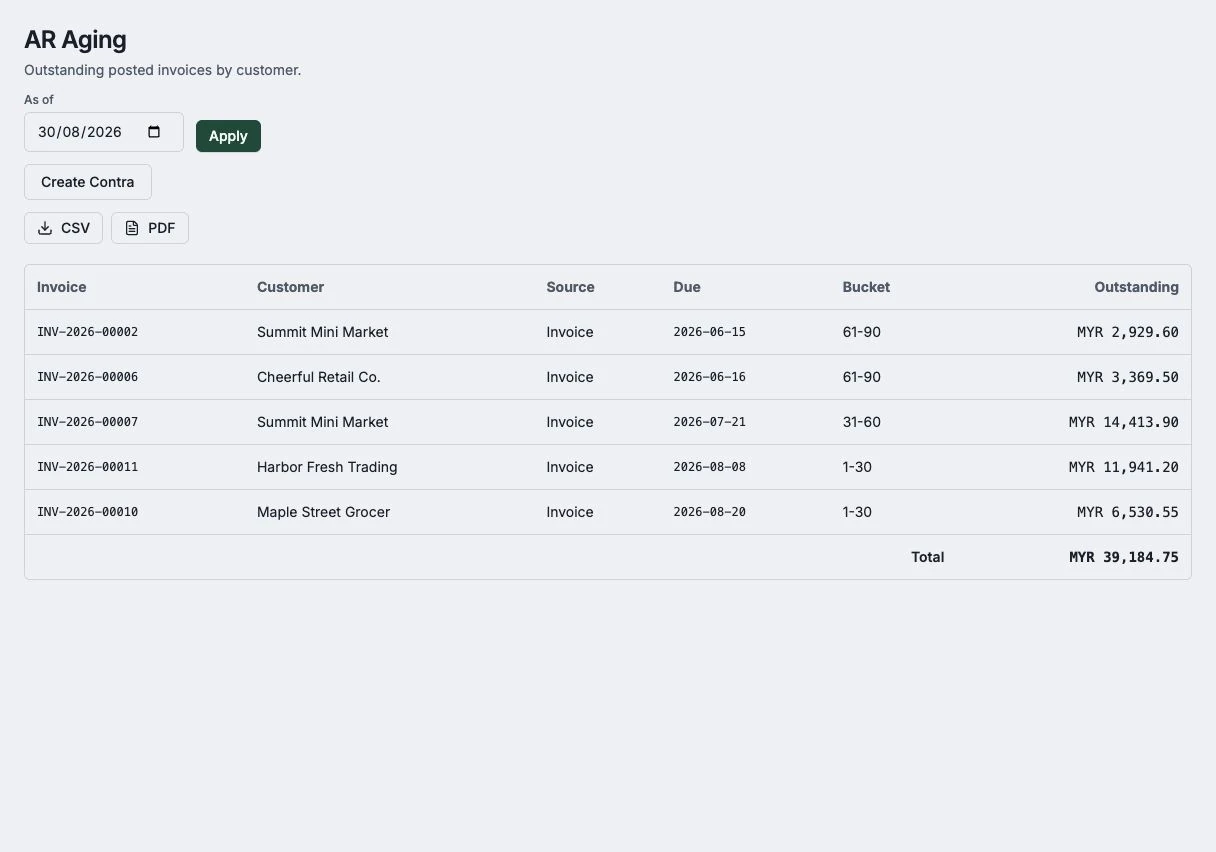
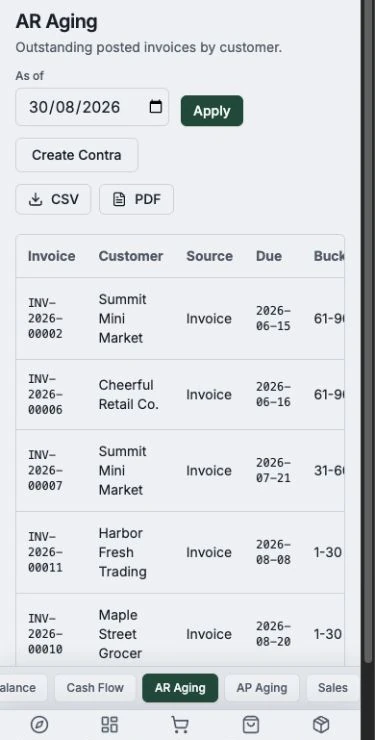
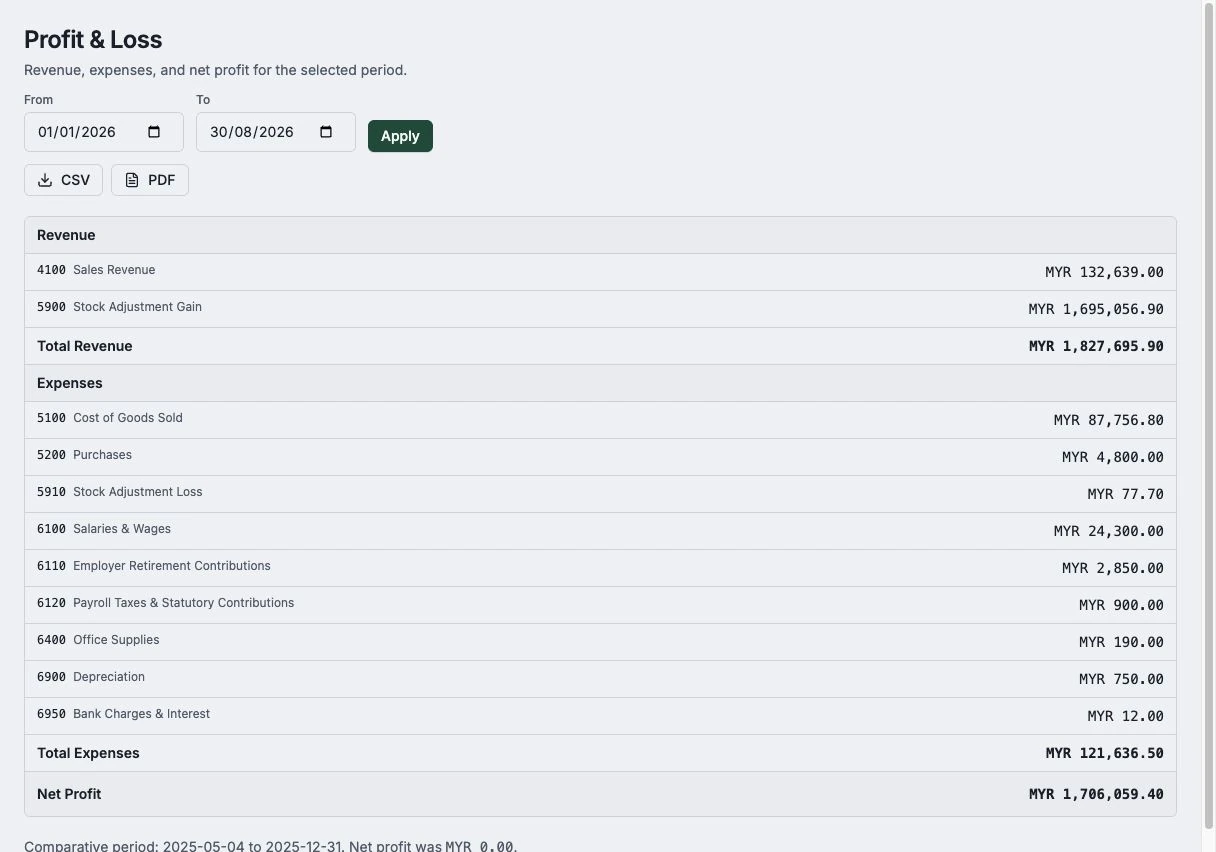
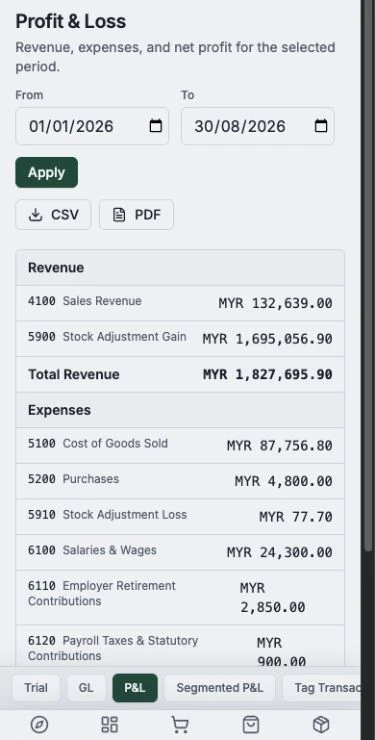
Practical reports, when you need them

See what you have invoiced, what has been paid, and what needs a follow-up — without building a spreadsheet.

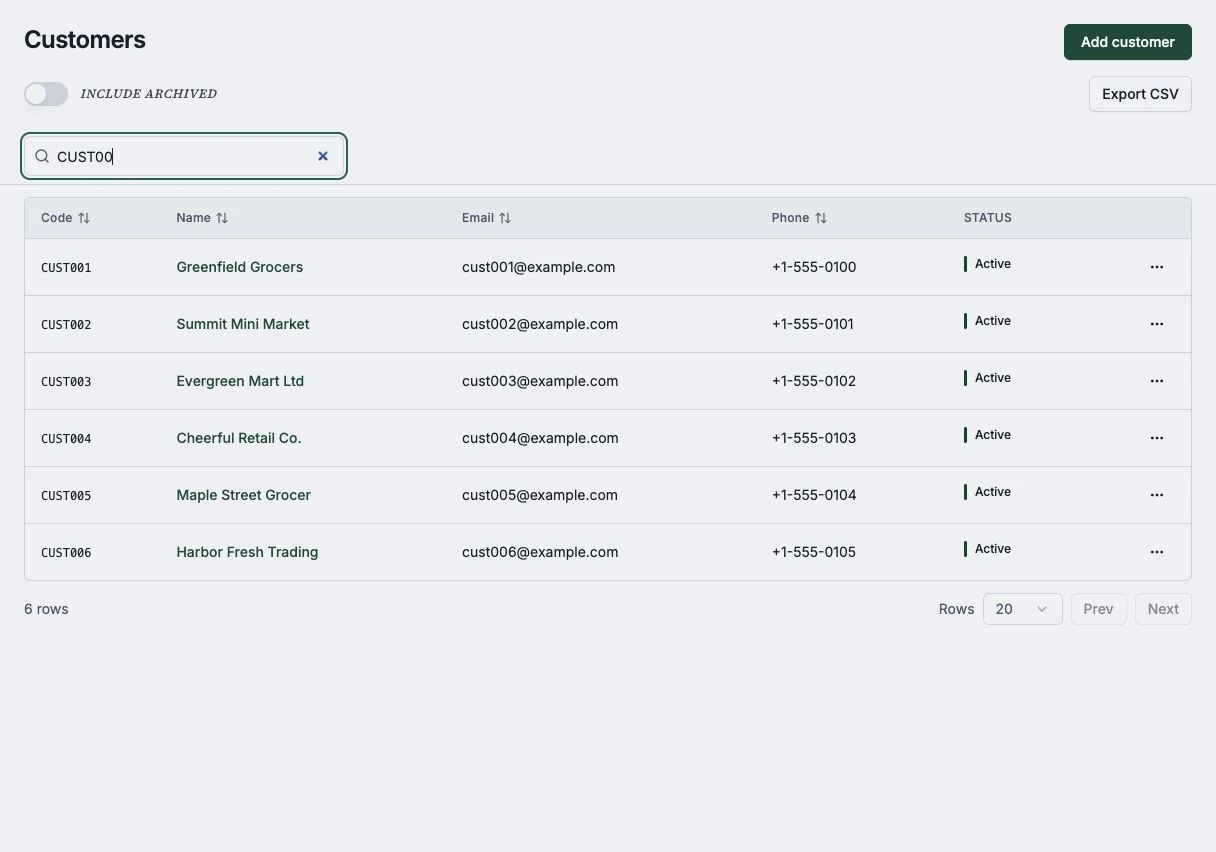
Kirado report catalog on desktop
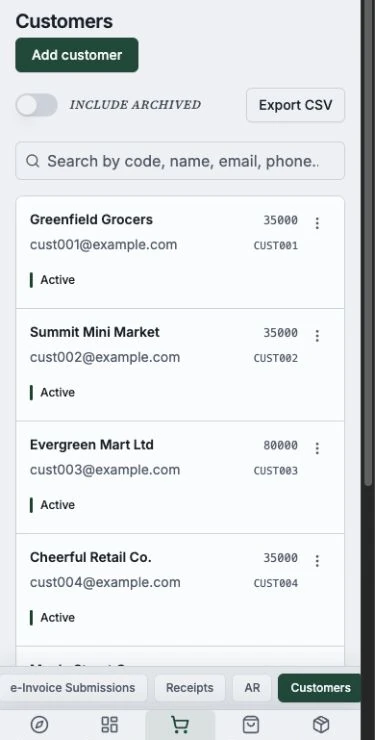
Kirado report catalog on a phone

Use cases

What people use Kirado for

Invoicing

Invoice from a Telegram message

Tell the bot who bought what; Kirado writes the invoice and you send it in seconds.

Get paid

Find out who hasn’t paid

Ask "show unpaid invoices over $1,000" and get an instant answer, so you can chase what is owed.

OCR capture

Turn a photo into a draft

Snap a supplier document and Kirado reads it into a draft for you — no typing, no spreadsheet.

Simple, but solid

Built for the work between jobs

Use Kirado to invoice clients, follow up on payments, capture documents, and understand the activity around your service work.

No jargon to learn

Send invoices and track payments in plain language, from your browser or Telegram.

You’re always in control

Kirado drafts; you decide. Nothing is sent or saved until you approve it.

Keep work organised

Keep invoices, payment updates, and document drafts together instead of across chats and spreadsheets.

Your data is yours

Your business is private and kept separate from everyone else. Sign in with email or Google.

Invoices that look good

Your customers get clean, correct, professional invoices that make your business look the part.

Explore before subscribing

Try the workflow with limited evaluation access, then choose a plan when it fits your work.

Built for invoicing: Kirado is not accounting software and is not intended to be your system of record for company accounts, statutory reporting, tax filing, or audit records. Use an appropriate accounting system and qualified accountant where required.

Try it out

See for yourself in two minutes

Create an account and Kirado sets you up with a demo business already filled with sample invoices and customers. Click around, send a test invoice, and snap a photo of a document to watch it become a draft. When you're ready, start fresh with your own workspace.

Get started

Start sending invoices today

Try the invoicing workflow, Telegram, and document capture with limited evaluation access. Choose a paid plan when it fits your service business.