
Skip to content

Features

Simple invoicing for the way service businesses work

Create invoices, follow up on payments, capture documents, and use practical reports. Kirado keeps the day-to-day invoicing workflow in one straightforward place.

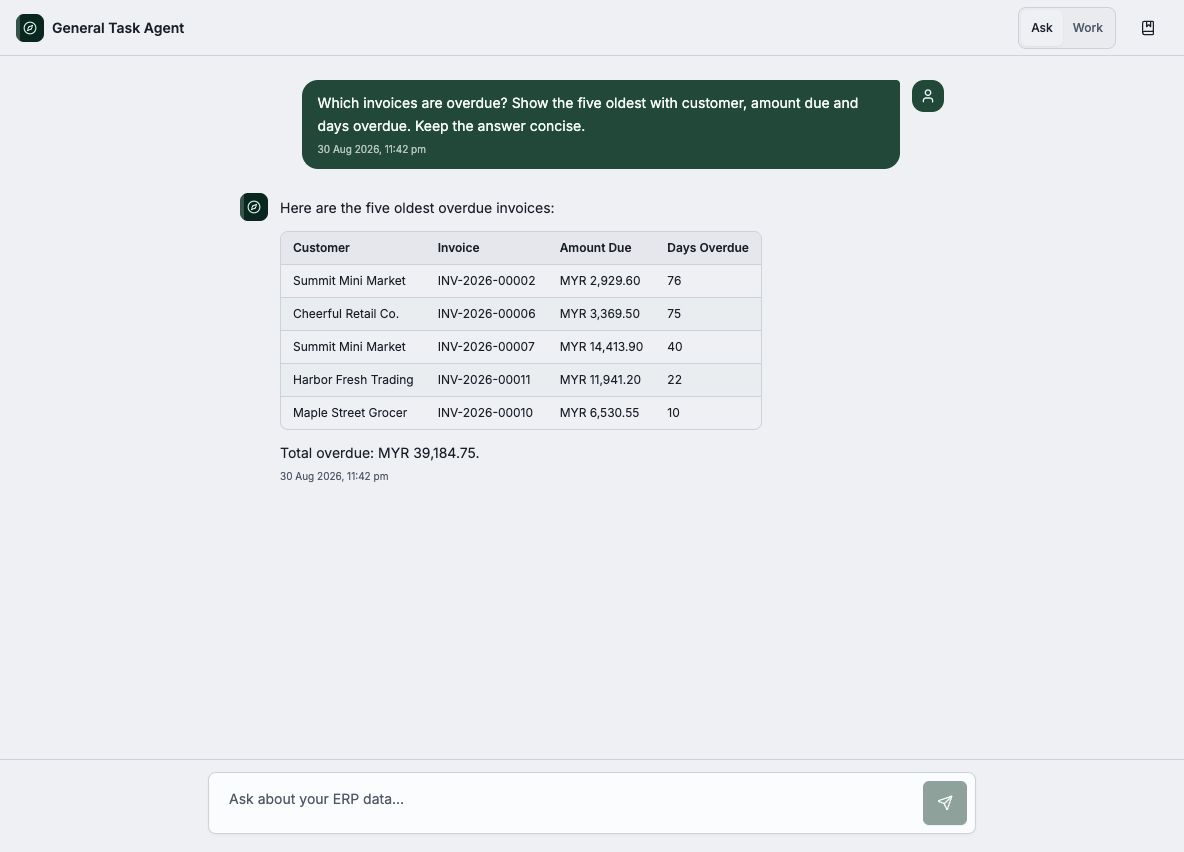
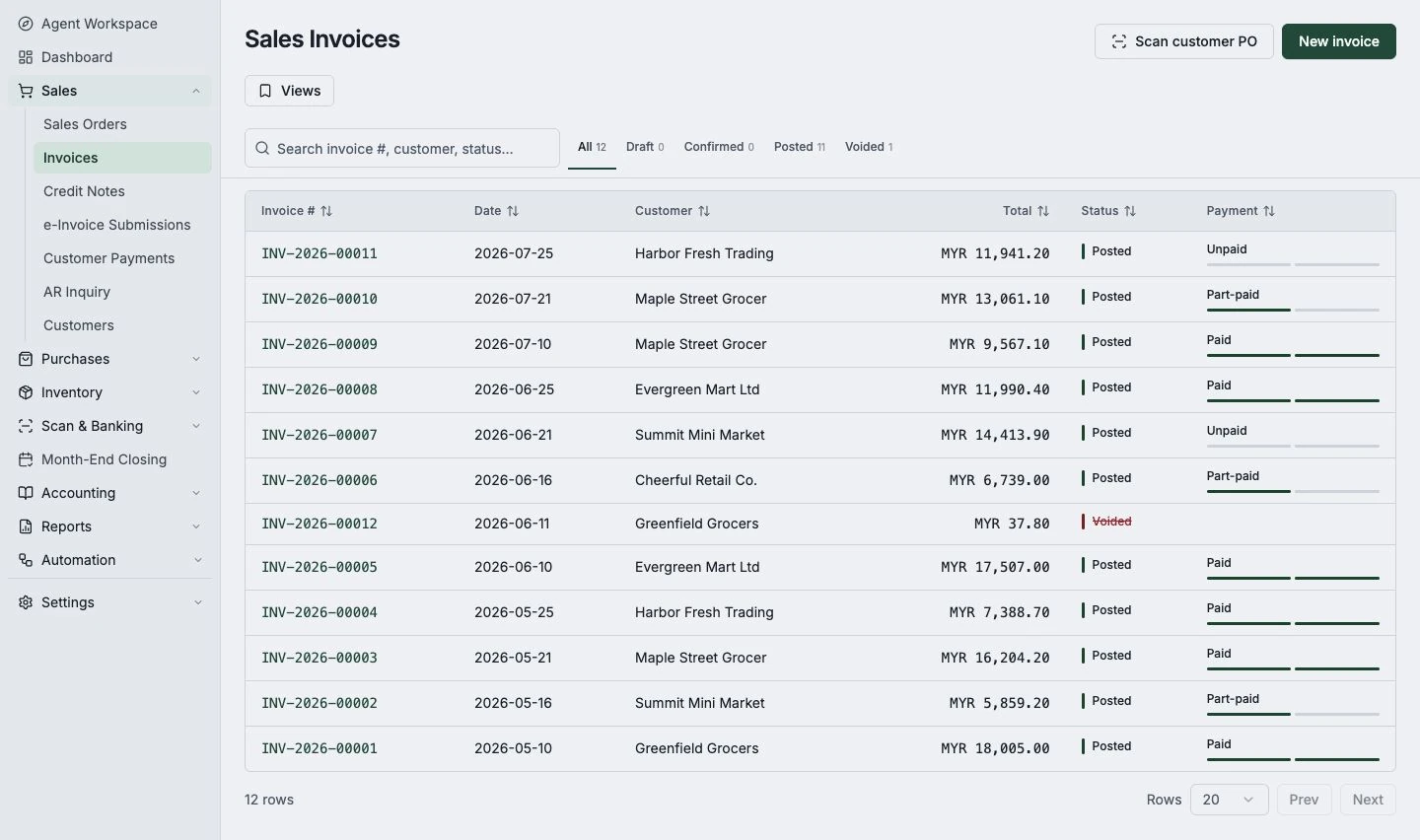
Kirado invoice list with payment statuses on desktop
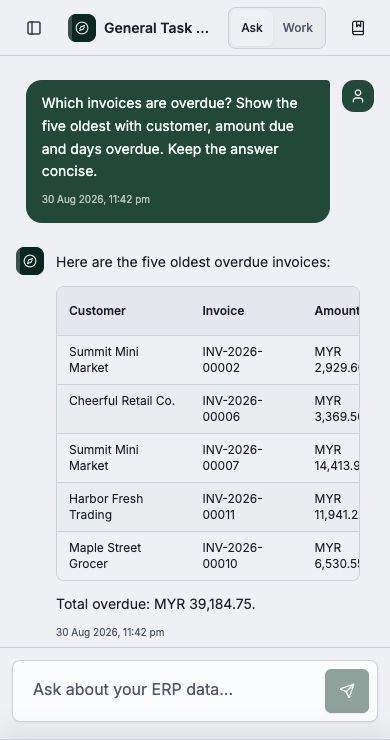
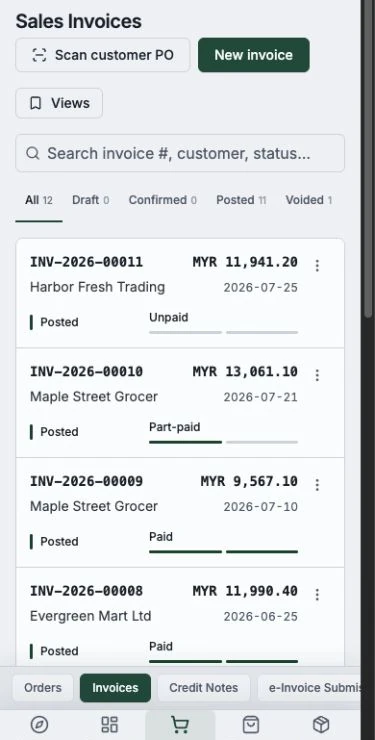
Kirado invoice list on a phone

Invoicing

Create invoices and get paid

The everyday tools freelancers and service businesses actually use — send a professional invoice, see who’s paid, and chase what’s owed.

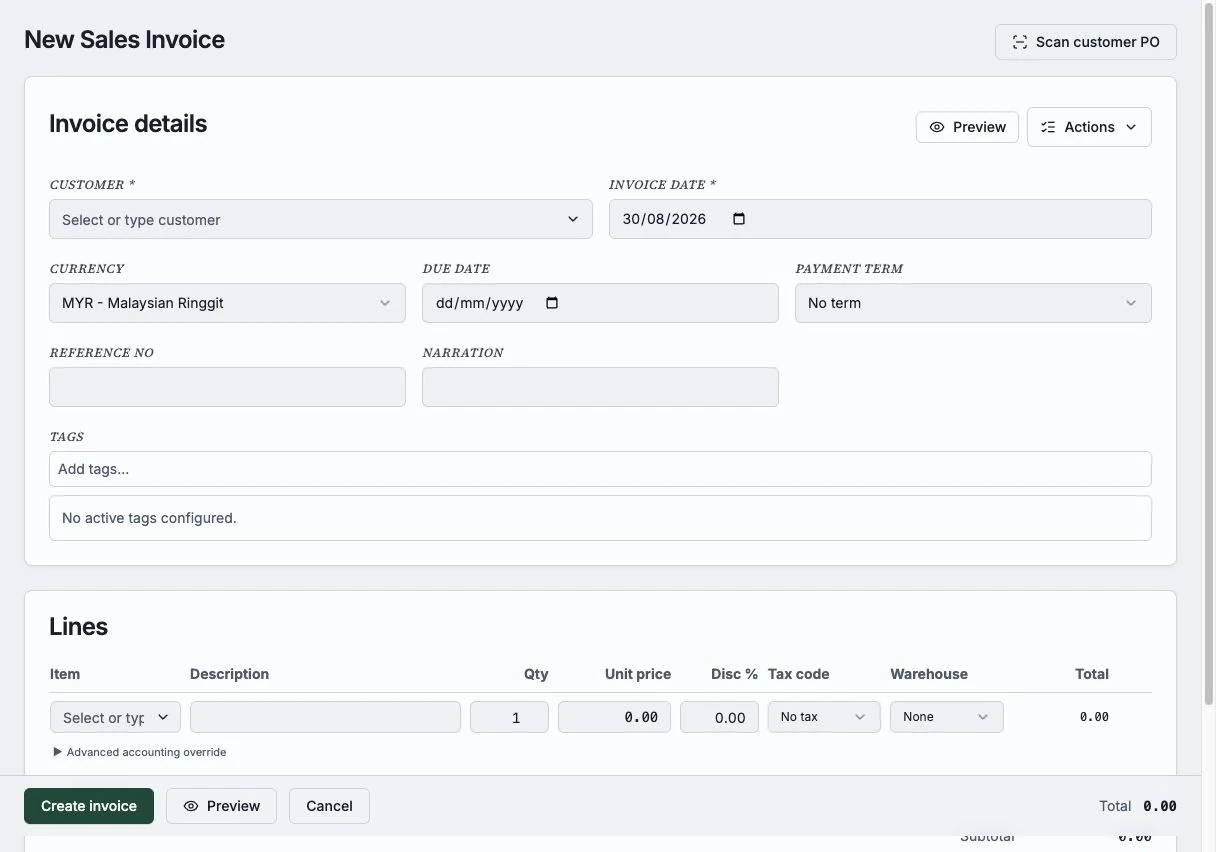
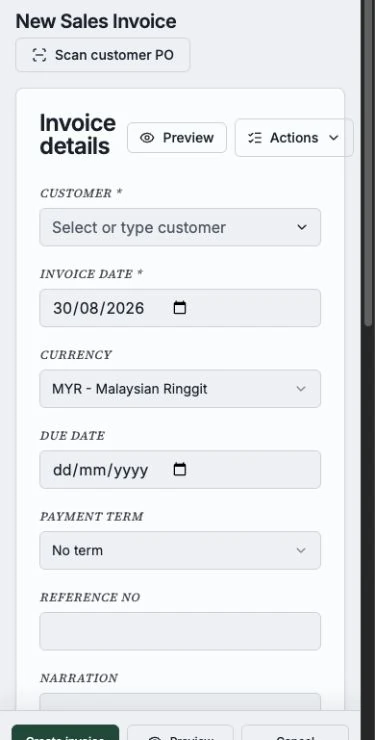
Create invoices in seconds

Type it in plain words on Telegram or fill a quick form. Kirado turns it into a clean, professional invoice.

Look professional

Tidy invoices with your items, amounts, and details laid out clearly — the kind that get taken seriously.

Know who’s paid

See paid, unpaid, and overdue at a glance, and record payments as they come in.

Chase what’s owed

Just ask "who hasn’t paid?" and follow up the customers who owe you — no spreadsheet needed.

Refunds & corrections

Issue a credit note for a return or a fix. It cleanly reverses the original — nothing is silently edited.

Invoice in any currency

Bill customers at home or abroad. Kirado handles the currency and the exchange-rate maths for you.

Your assistant

An assistant that does the typing

Tell Kirado what you need in plain words and it drafts an invoice, finds who hasn’t paid, or turns a photo of a document into a draft. You review before you send or save — you are always the one who decides.

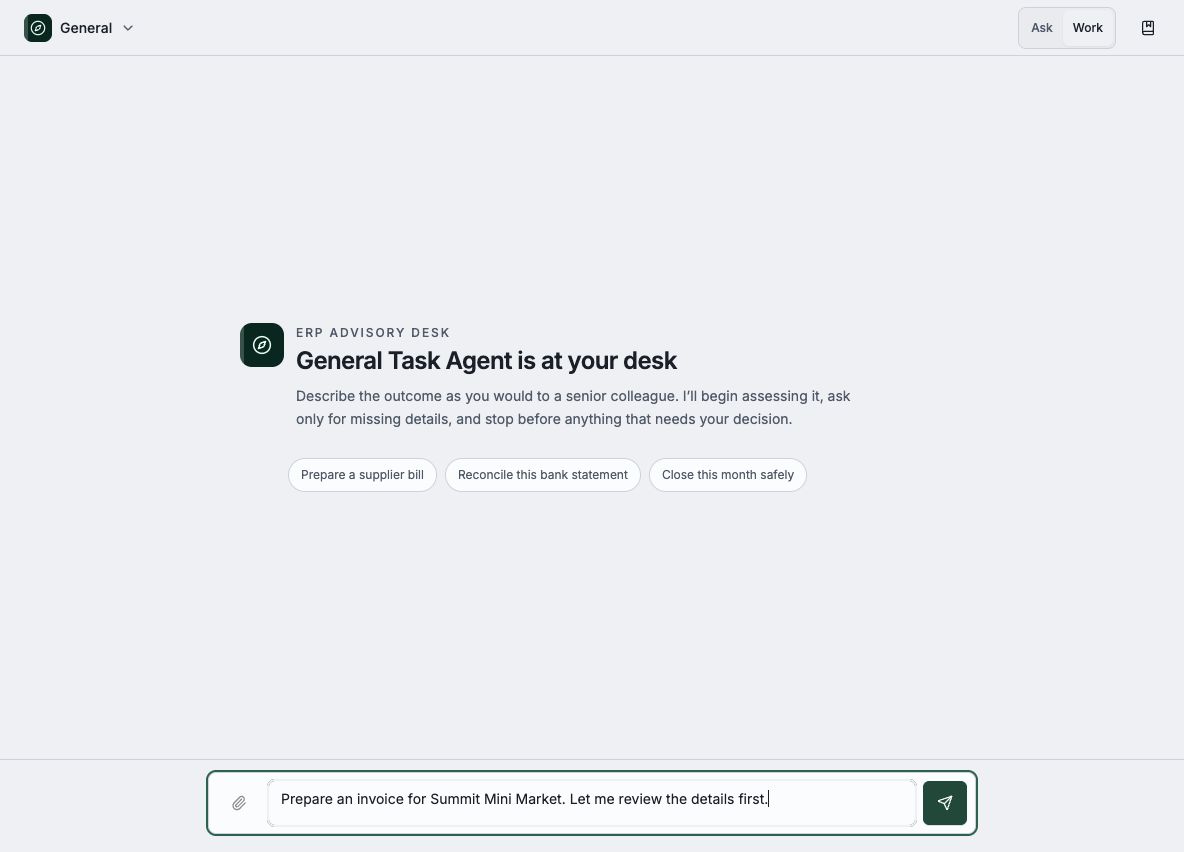
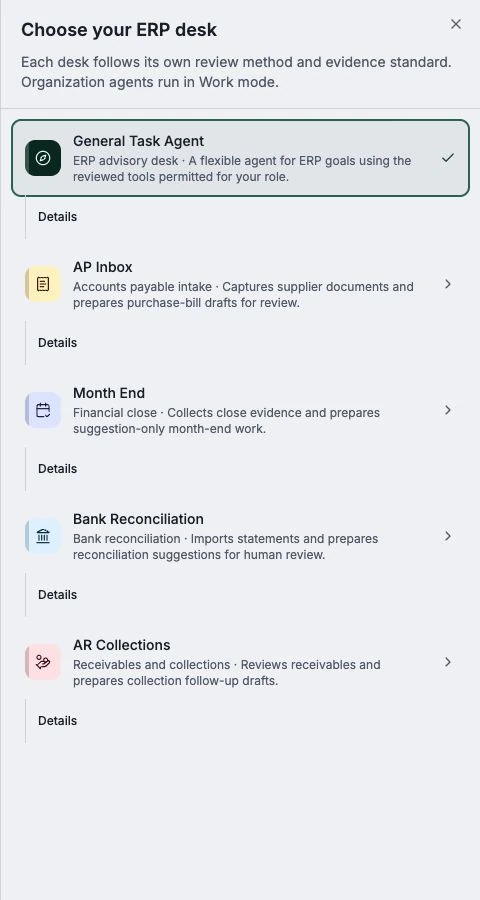
Kirado Telegram bot setup on desktop
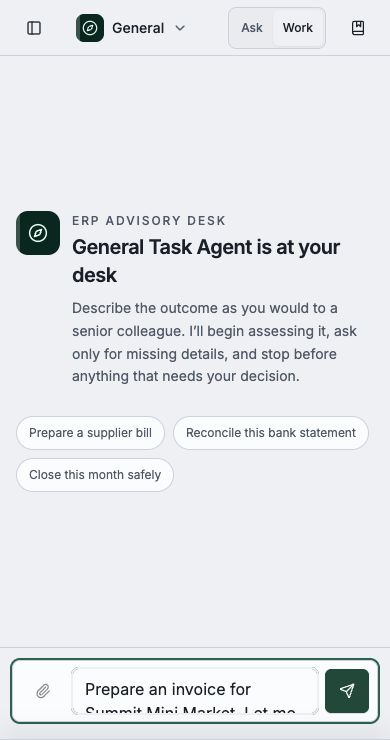
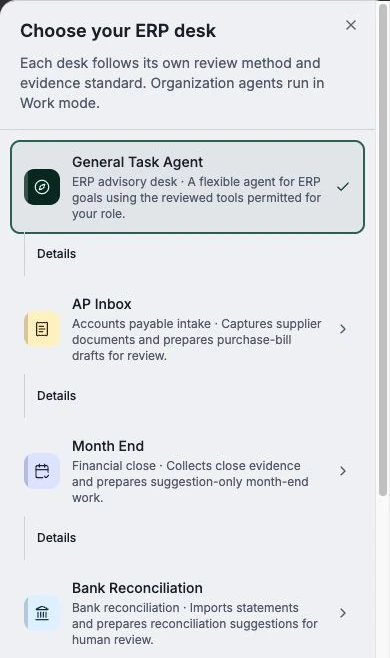
Kirado Telegram setup on a phone
  1. 1

    Plain language in

    Say "invoice Riverside Grocers for 50 bags of rice" and Kirado drafts it — customer, items, and amounts filled in.

  2. 2

    You review and send

    Kirado only ever drafts. You check it, tweak if you like, and send when you’re happy. Nothing goes out on its own.

  3. 3

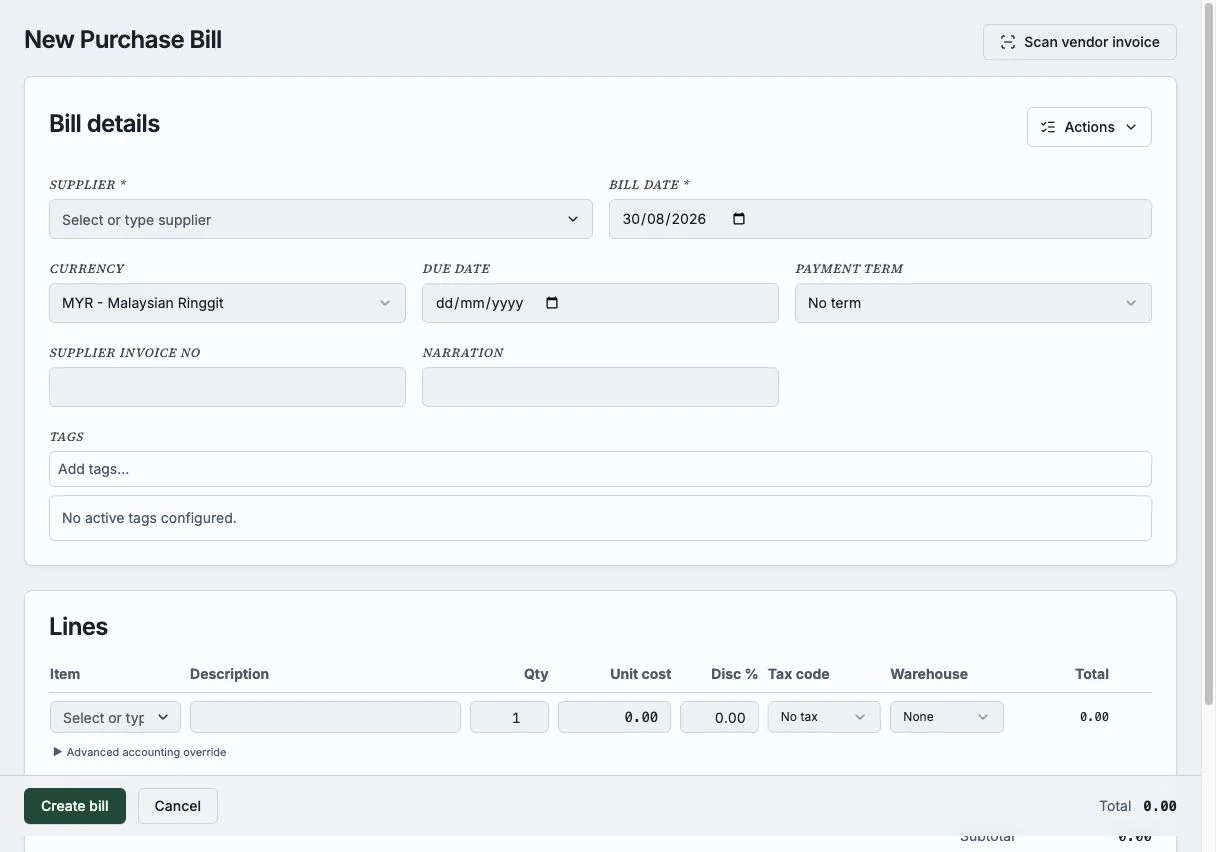
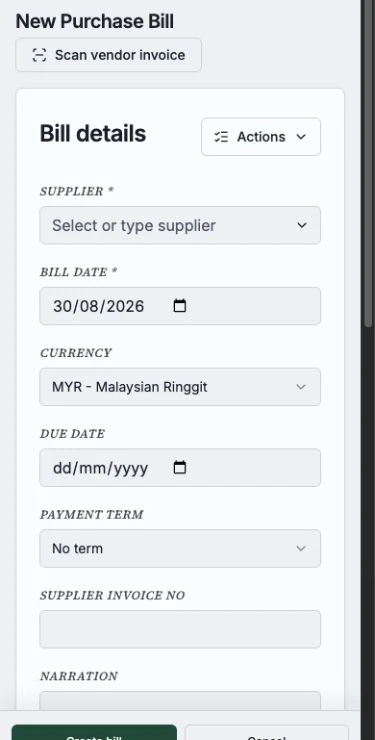
    Snap a photo of a bill

    Send a photo of a supplier bill and Kirado reads it into a draft for you — no manual typing.

  4. 4

    Right where you already chat

    It works on Telegram — the built-in bot or your own. Get answers and send invoices without opening a single spreadsheet.

Remembers your business

The assistant remembers your customers, items, and preferences across chats, so it gets faster the more you use it.

Safe by design

The assistant can’t touch your data directly and has no free run of the internet — it only ever drafts things for you to approve.

A developer API

Prefer to automate? A programmable API with keys and limits is there when you need to connect other tools.

More ways to work

Useful tools around your invoicing workflow

Start with invoices, then use document capture, product tools, payment matching, and reports when they help you run the work around your service business.

Your invoicing activity at a glance

See your invoices, payments, and what is outstanding on one simple dashboard — ready without setup, on desktop or your phone.

Kirado business dashboard showing cash and income on desktop
Kirado dashboard on a phone

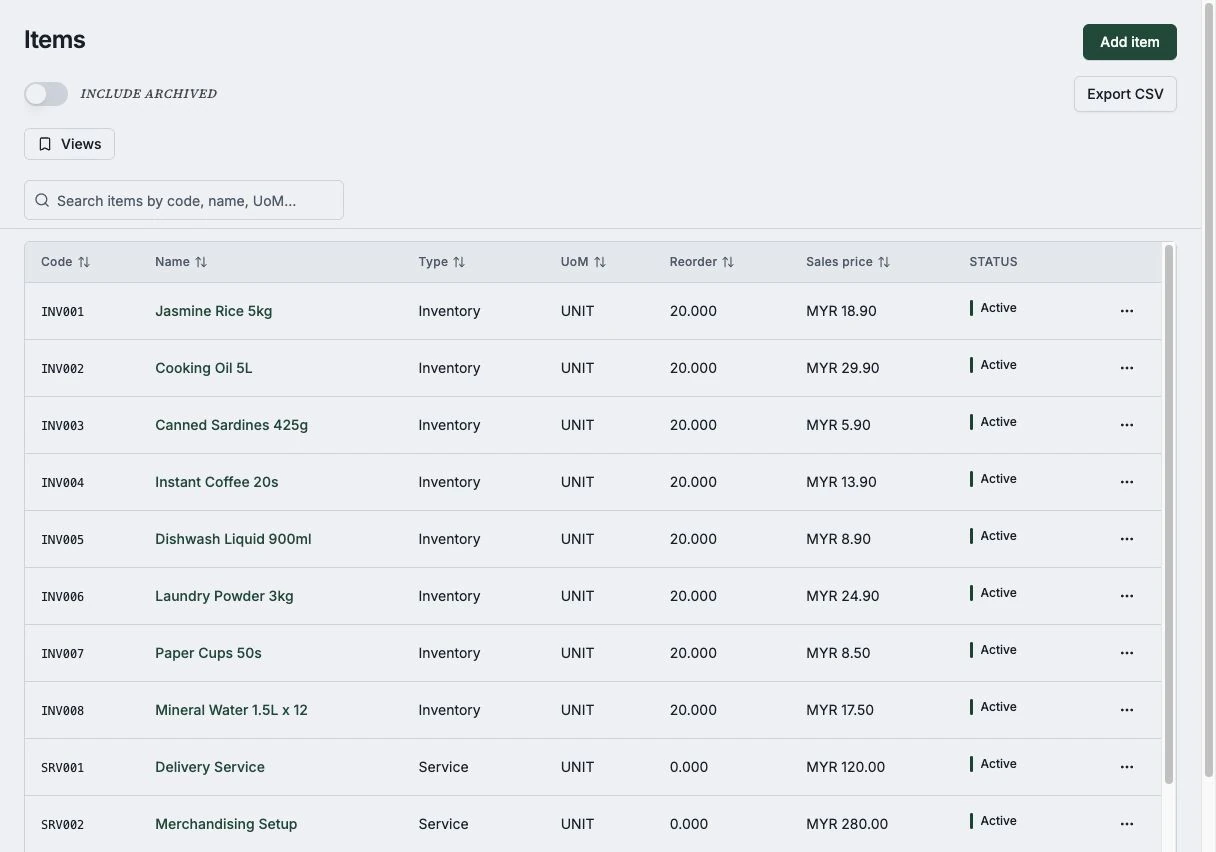
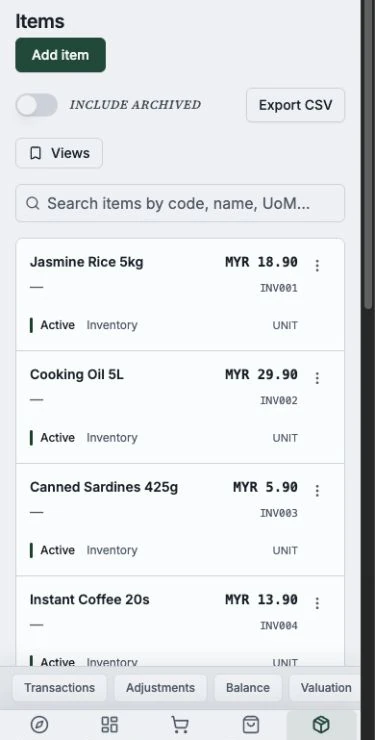
Track your products

Selling physical goods? Keep tabs on your items, prices, and stock levels whenever you’re ready for it — it’s built in, not bolted on.

Kirado product and stock list on desktop
Kirado product list on a phone

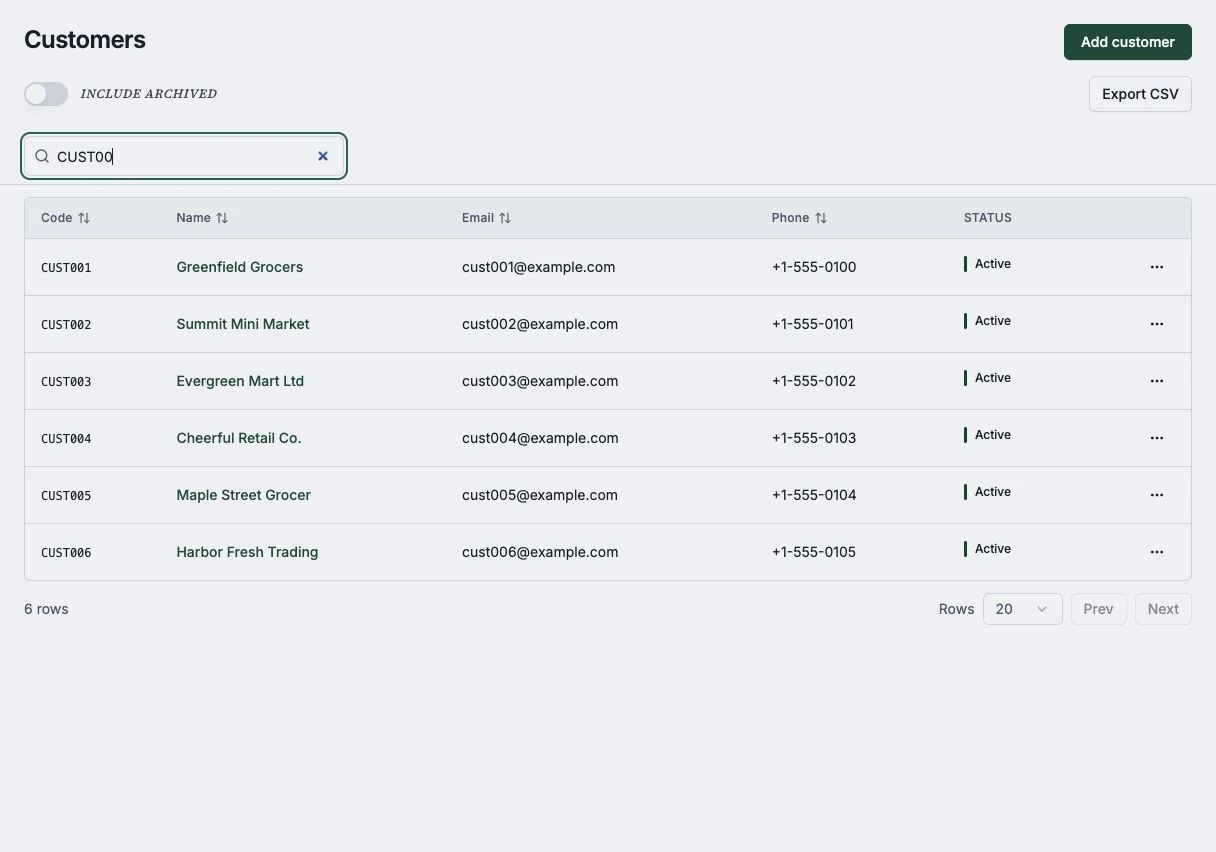
Practical reports, when you need them

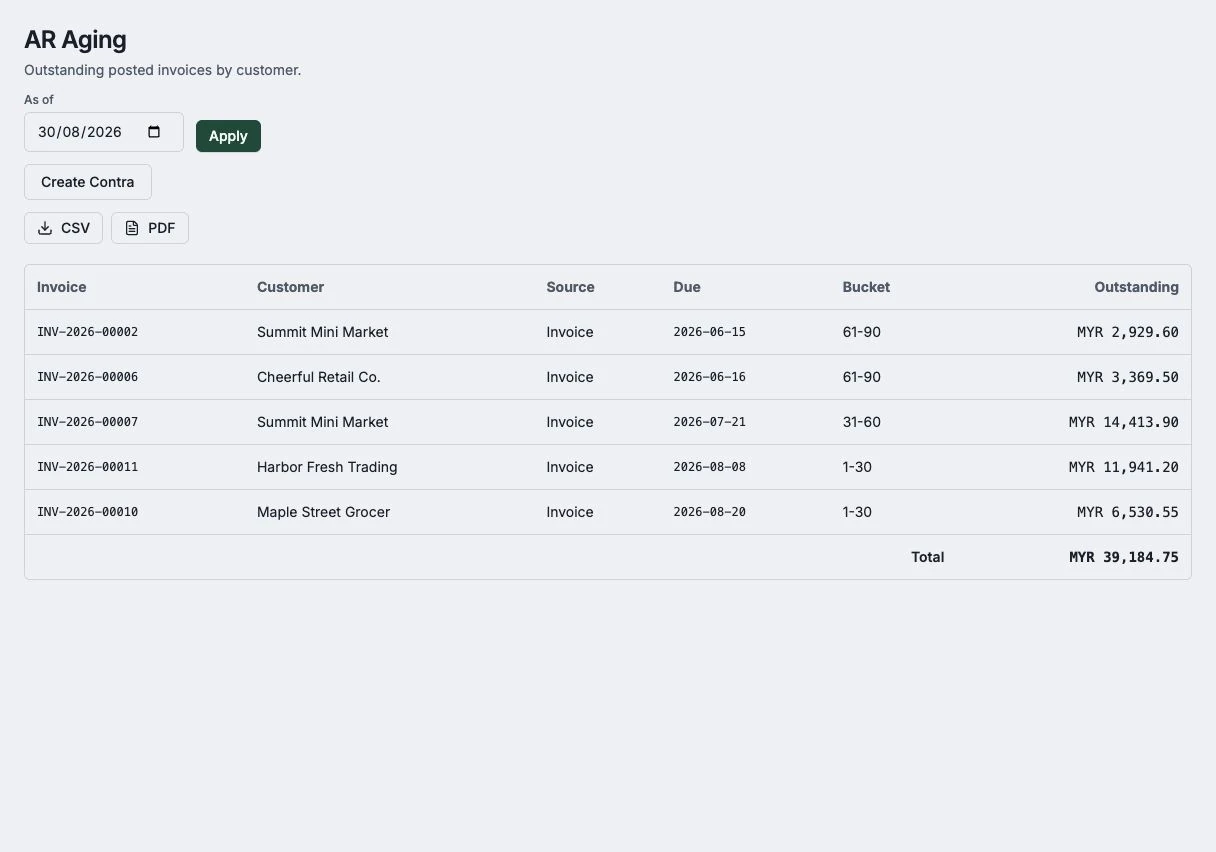
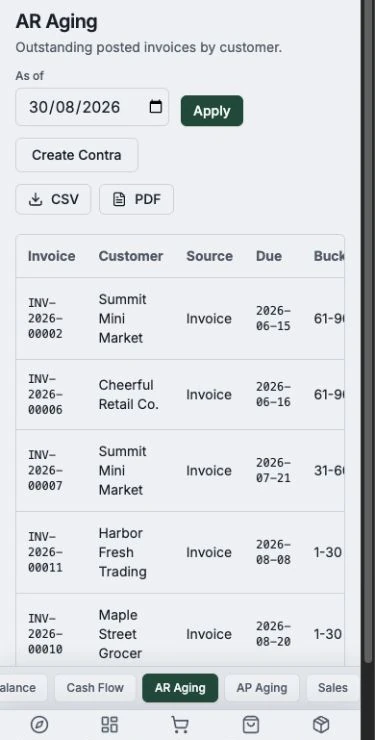
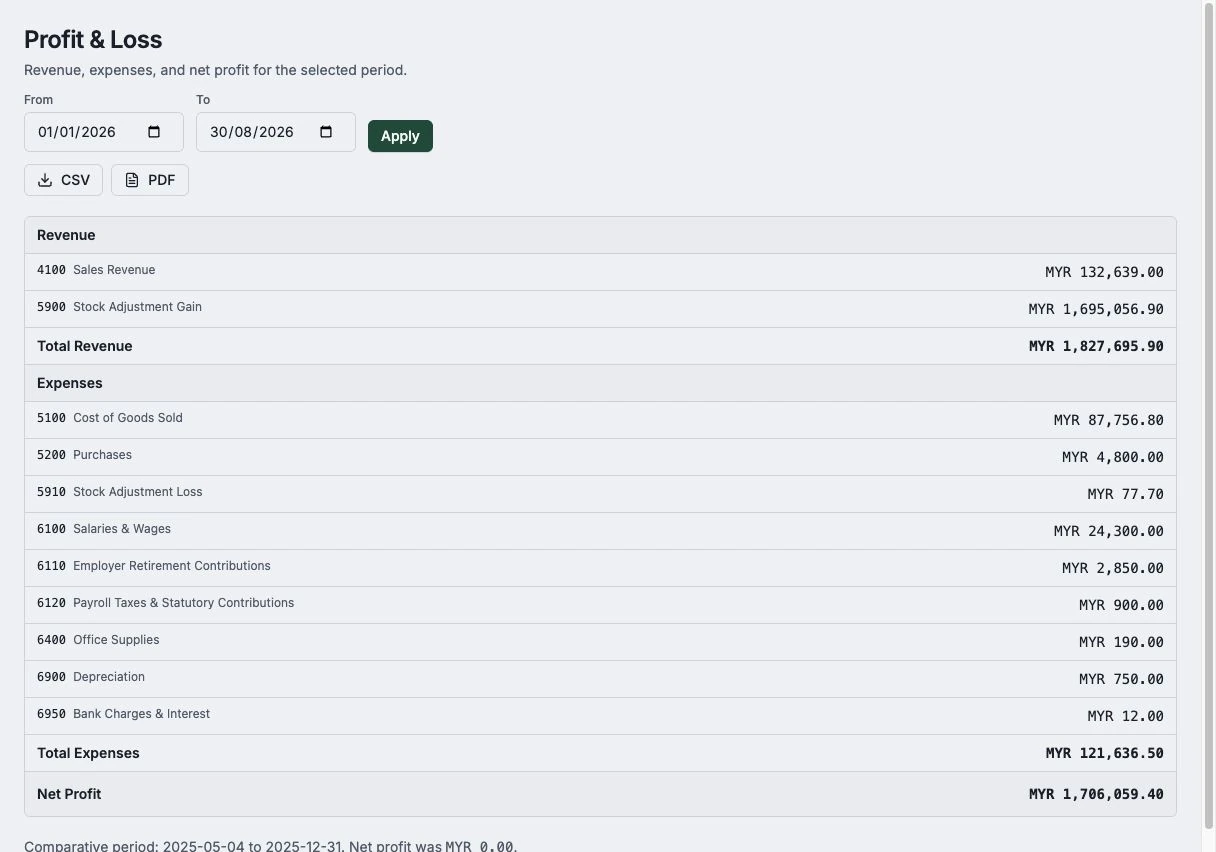
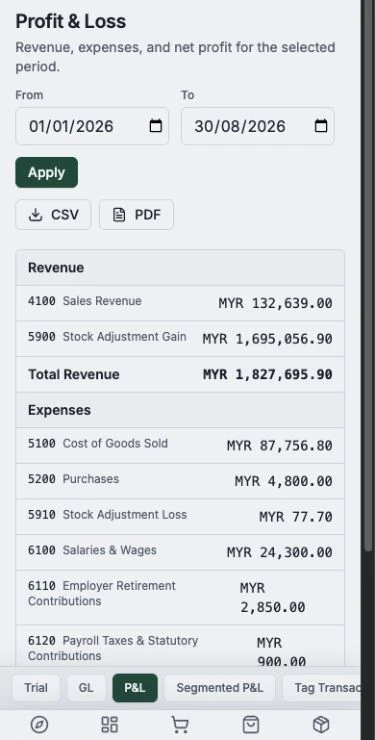
See invoice, payment, and outstanding activity in one place. Use the reports to plan your follow-ups, or ask the assistant for a quick answer.

Kirado report catalog on desktop
Kirado report catalog on a phone

Documents in one place

Snap or enter supplier documents and keep the drafts you need for day-to-day work together.

Products & stock

Selling physical goods? Track items, prices, and stock levels when your business needs it.

Payment matching

Match payment activity against the invoices you have recorded, so you can follow up on what is still outstanding.

Practical reports

See invoice, payment, and outstanding activity in clear reports, then use the detail to plan your follow-ups.

Multiple businesses

Run more than one company from a single login, each kept completely separate.

Bring your data in

Import the customers and invoice information you need, rather than starting every workflow from scratch.

Make it yours

Custom fields, saved views, your own invoice numbering, and report templates — so Kirado matches the way you already work.

Review before you act

Kirado drafts; you review. Keep control of the invoice and document details you send or save.

Built for invoicing: Kirado is not accounting software and is not intended to be your system of record for company accounts, statutory reporting, tax filing, or audit records. Use an appropriate accounting system and qualified accountant where required.

Get started

Start with invoices today

Try the workflow with a ready-made demo business — draft invoices, capture a document, and see what is owed. Choose a plan when it fits your work.